
What this mod can do
- Reviewed at commit b36e926
- Runs programs
- Changes your settings in /config
- Sees each prompt you send and can change or drop it
- Also uses session.receive and $.ui.scroll, which this page doesn't describe yet
5 more things it can do
- Reads files
- Remembers data between sessions
- Adds slash commands
- Runs on a timer
- Runs on Claude Code hooks, such as session start
Good to know (3)
- For transcripts over 4 MB it runs tail to read the file, and no other program.
- Keeps the transcript paths of your last 20 sessions in its own storage.
- Mouse use works best with "tui": "fullscreen".
Preview
Terminal
  #1 hello                                                                                      [-]
  ┃│││
Claude Desktop
What it does
In the author's words
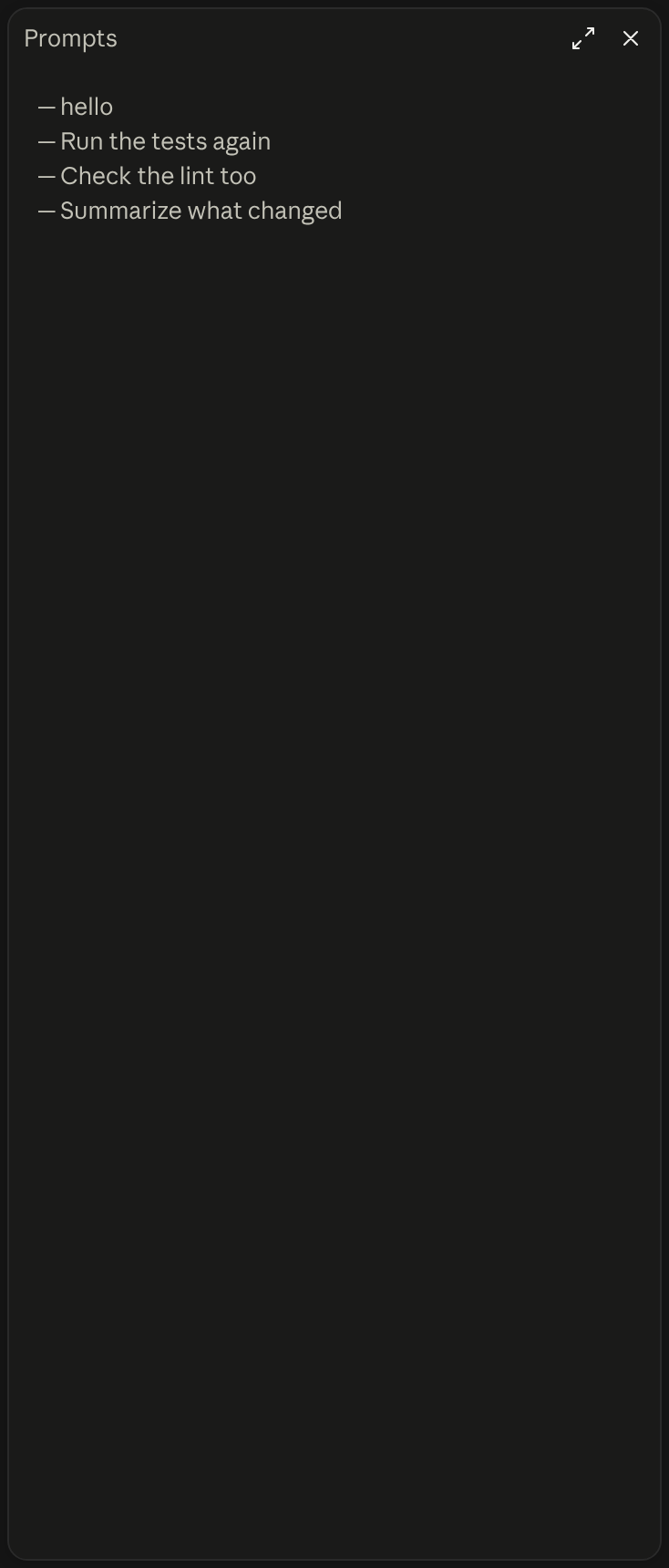
A rail of your session's prompts beside the transcript, above or below the prompt; hover to read one, click to jump to it.
- What you see
- A row of ticks above the prompt, or a side pane
- Works in
- Terminal and Claude Desktop
- Slash commands
- /prompt-rail, /prompt-rail-next, /prompt-rail-prev, /prompt-rail-toggle
- Uses your tokens
- No
- Changes files
- Only through programs it runs
- Network access
- Only through programs it runs
- Reviewed commit
- b36e926
- Preview recorded with
- Claude Code 2.1.309
How it works
- Opens on its own when a new session starts, as bars above the prompt input.
- Reads the session's .jsonl transcript to list your prompts and their turns.
- Draws one tick per prompt. Hovering shows the prompt, and a click scrolls to it.
- /prompt-rail vertical moves the rail to a pane beside the transcript.
Common questions
How do I jump back to an earlier prompt in a Claude Code session?
With Prompt Rail, click that prompt's tick in the rail, or run /prompt-rail 12 to go to prompt #12. /prompt-rail next, prev, first and last step through them, and /prompt-rail find <words> jumps to the newest prompt that holds those words.
Can I move between prompts from the keyboard?
Yes. In the horizontal layout, ctrl+x tab moves focus to the bars, the arrow keys move across them, Enter jumps to that prompt and Esc returns to the prompt input. /prompt-rail-next, /prompt-rail-prev and /prompt-rail-toggle exist so you can bind them to keys.
Does Prompt Rail send my prompts anywhere?
Its README says it makes no network requests and collects no analytics. It reads the session's transcript file, runs tail (or PowerShell on Windows) to read only the new part of a large transcript, and keeps its layout and recent transcript paths in the mod's own store.
Does it work in the Claude desktop app?
It draws the horizontal rail in the Code tab, but a click can't jump to a prompt there, because the app gives a plugin no way to scroll its transcript.