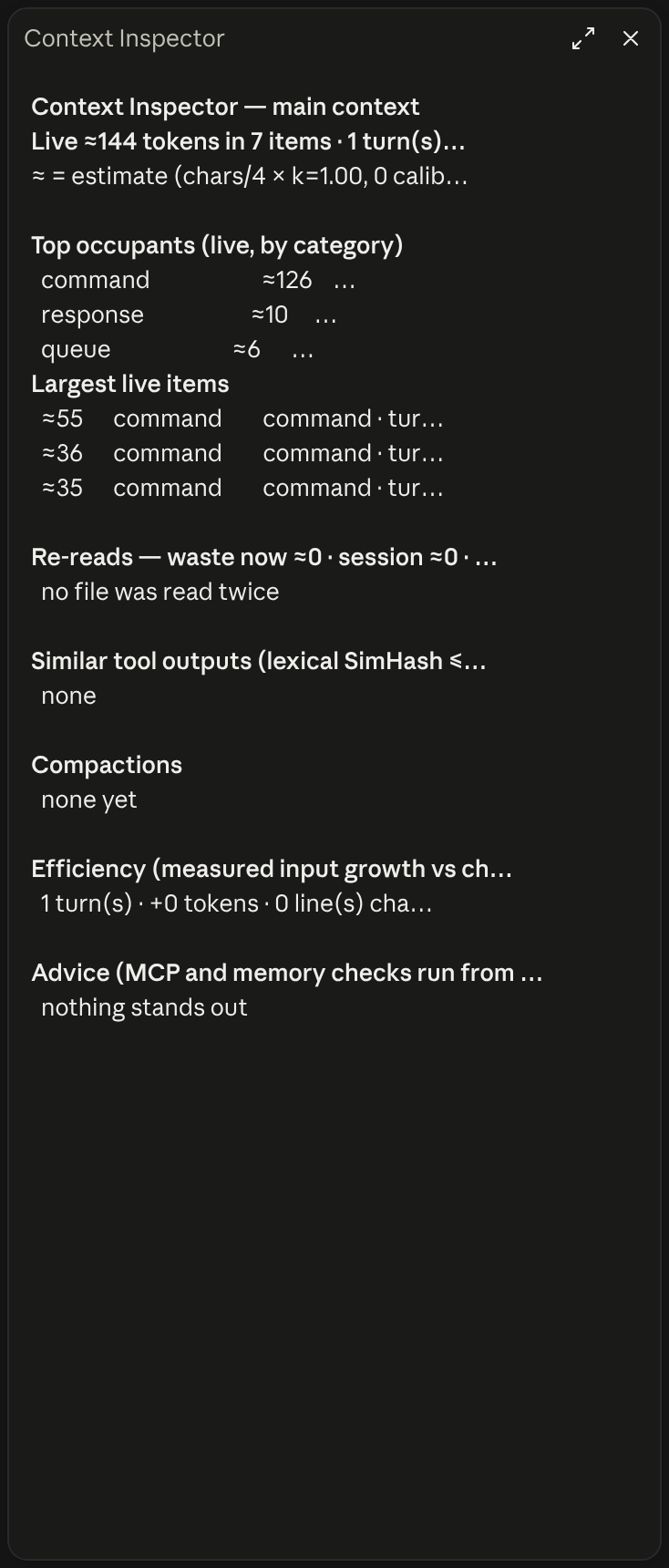
Context Inspector

A Claude Code mod that shows context window usage

·

source at 93fa0f7

·

Apache-2.0 license

Context waste analyzer for Claude Code: what fills the window, re-reads, near-duplicate outputs, what compaction kept, advice

0 installs

What this mod can do

  • Reviewed at commit 93fa0f7
  • Writes files
  • Sees each message added to the conversation and can change it
  • Reads environment variables
  • Sees each tool call before it runs and can block or change it
5 more things it can do
  • Reads the conversation
  • Adds the /context-export command
  • Adds the /context-inspect command
  • Adds the /context-pane command
  • Runs on a timer
Good to know (3)
  • Waste is an estimate; the window total comes from the token counts the API reported
  • /context-export writes metadata only, no raw content, to ~/.claude/context-inspector
  • After a reload or /clear it recovers only the main conversation
Are mods safe?

Preview

Terminal

⎿ context-inspector: Context Inspector pane opened (shown in the terminal and the desktop app). ╭────────────────────────────────────────────────────────────────────────────────────────────────✕─╮ │ Context Inspector — main context │ │ Live ≈2.9k tokens in 13 items · 1 turn(s) · 0 compaction(s) · waste ≈0 │ │ ≈ = estimate (chars/4 × k=1.00, 0 calibration segment(s)); figures without ≈ are measured or en… │ │ │ │ Top occupants (live, by category) │ │ attachment:skill_listing ≈1.5k 51% █████░░░░░ 1 item(s) │ │ attachment:agent_listing_de… ≈685 23% ██░░░░░░░░ 1 item(s) │ │ attachment:environment ≈180 6% █░░░░░░░░░ 1 item(s) │ ╰──────────────────────────────────────────────────────────────────────────────────────────────────╯ ⚠ context-inspector: ctx 22% · waste≈0

Claude Desktop

Context Inspector in Claude Desktop

What it does

Shows what fills your context window: a live pane of the biggest items by category, and a status entry with context used and estimated waste from re-reads.

What you see
A live pane and a status entry
Works in
Terminal and Claude Desktop
Slash commands
/context-export, /context-inspect, /context-pane
Uses your tokens
No
Changes files
JSONL in ~/.claude/context-inspector on export
Network access
None
Reviewed commit
93fa0f7
Preview recorded with
Claude Code 2.1.296

How it works

  1. Records each message and tool result as it enters the conversation
  2. /context-pane opens a live pane of the top occupants by category and size
  3. A status entry shows context used and the estimated waste still in the window
  4. /context-inspect prints reports on re-reads, near-duplicates and compactions

More like this

Token Weather Usage in Claude Desktop

One line above the prompt: context tokens with their weather, a bar per recent prompt, your 5-hour and 7-day limits against the time elapsed, the prompt cache with its time left, the session cost with the last prompt's share in dollars and in points of the 5-hour limit, and the subagents running. Labels in English, French or Russian. After Token Weather (Anthropic, Apache-2.0) and the ideas of usage-meter (HolyGrail) and prompt-cache-control (Daniel San).

Deck in Claude Desktop

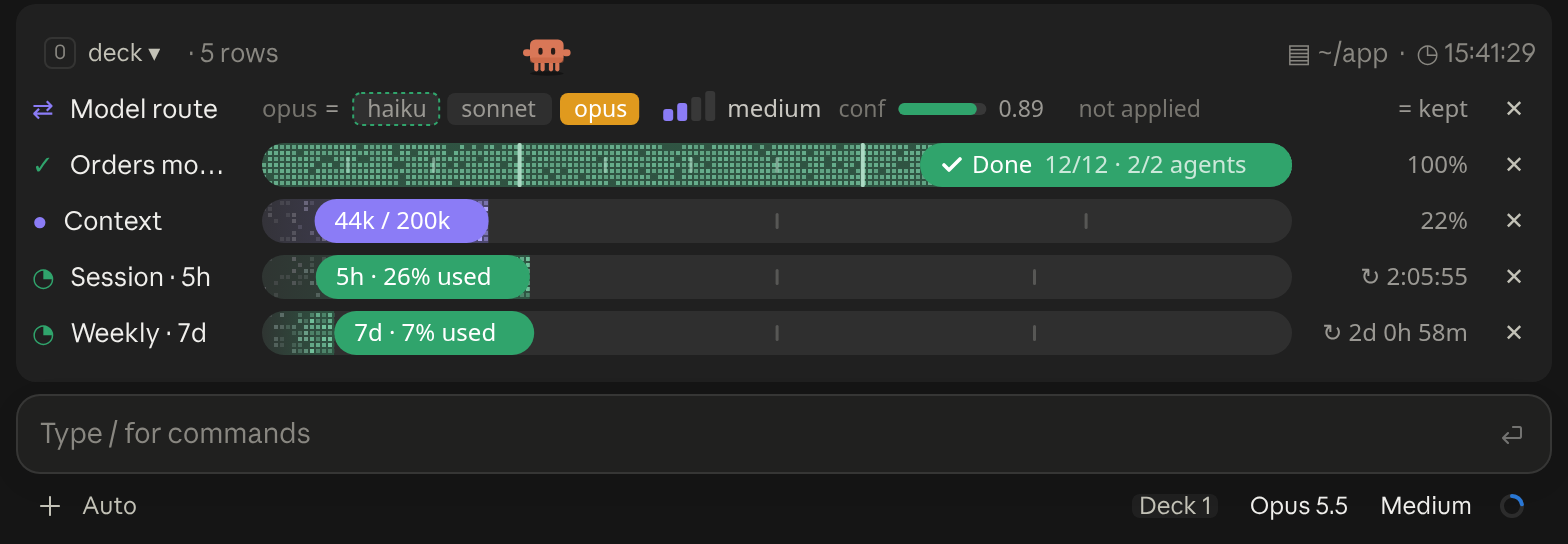
A cockpit for Claude Code: plan bars and subagent strips, context, usage limits with reset countdowns and burn rates, spend, the model route and a pet. Six bar styles, three collapsed looks. CLI and Desktop.

Context Bar in Claude Desktop

Your context window as a stacked bar above the prompt, a color per category, with token counts and the compaction point. /context-bar shows or hides it.

Flightdeck in Claude Desktop

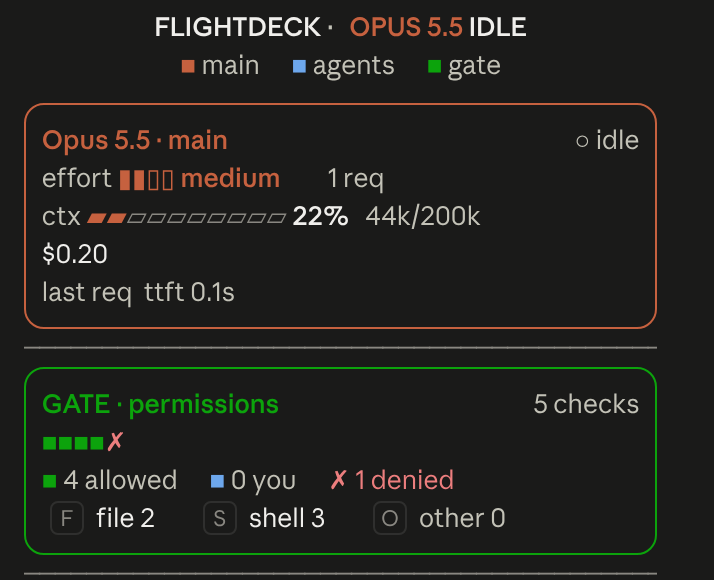
Flightdeck: a live agent dashboard for Claude Code. Main model vitals, an on-call architect, every permission check, subagent cards and swimlanes, a turn receipt and a session log, all from real session events

╭─ CONTEXT ────────────────────────────────────────────╮ │ ████▊░░░░░░░░░░░░░░░░░ 22% of 200K · GOOD │ ├─ STATS ──────────────────────────────────────────────┤ │ ↓ 44.0K ↑ 1.4K │ $0.41 │ ⏱ 10m 12s │ +128/-34 │ ├─ REPO ───────────────────────────────────────────────┤ │ ◆ Opus 4.8 · main · 16:21 │ ╰──────────────────────────────────────────────────────╯

A boxed multi-line panel with auto-sizing borders: a context section with a gradient bar and status word, a stats section (tokens, cost, duration, lines changed), and a repo section (model, git branch with file counts, clock, vim mode), in a terracotta Claude-brand palette.
app · main · Opus-4.8 · effort high · ctx 22% · 5h 26% ↻2h6m · 7d 7% ↻2d0h

One-line status bar showing your directory, git branch (with a * when dirty), model, live effort level, context-window usage, and 5-hour/7-day rate-limit usage.

Opus 4.8 [high] ~/app main 16:20:55 | ⛁ ██░░░░░░░░ 22% | 5h ●◔○○○ 26% ↻2h7m | 7d ◔○○○○○○ 7% ↻2d1h │ $0.41 ⏱ 10m

Two-line status with a block context bar and quarter-step dot meters (◔◑◕●) for the 5-hour and weekly limits (fill shows usage, color shows whether you are ahead of or behind pace), plus model, effort, git and cost. Needs no jq.

████▊░░░░░░░░░░░░░░░░░ 22% of 200K · GOOD │ ↓ 44.0K ↑ 1.4K │ $0.41 │ ⏱ 10m 12s │ +128/-34 │ ◆ Opus 4.8 · main · 16:22

One-line adaptation of @kyleledbetter's Dreambase Panel: a context bar with status word, token/cost/duration/lines-changed stats, and model + git branch + clock, all on a single line in a terracotta Claude-brand palette.