Better Prompt
Clean up a messy prompt before sending

15 installs
What this mod can do
- Reviewed at commit 15c15a8, Oct 21, 2026
- Sends its own requests to Claude, which uses your tokens
- Puts text in your prompt box, which can replace what you typed
- Sees each prompt you send and can change or drop it
1 more thing it can do
- Reads your prompt as you type
Good to know (3)
- Every rewrite is one more Haiku call, so it adds tokens rather than saving them.
- Haiku can drop or add a detail, most of all in pasted logs and code. Read its version before you use it.
- Nothing is sent for you. After Use you can still edit the prompt, then send it yourself.
Preview
Terminal
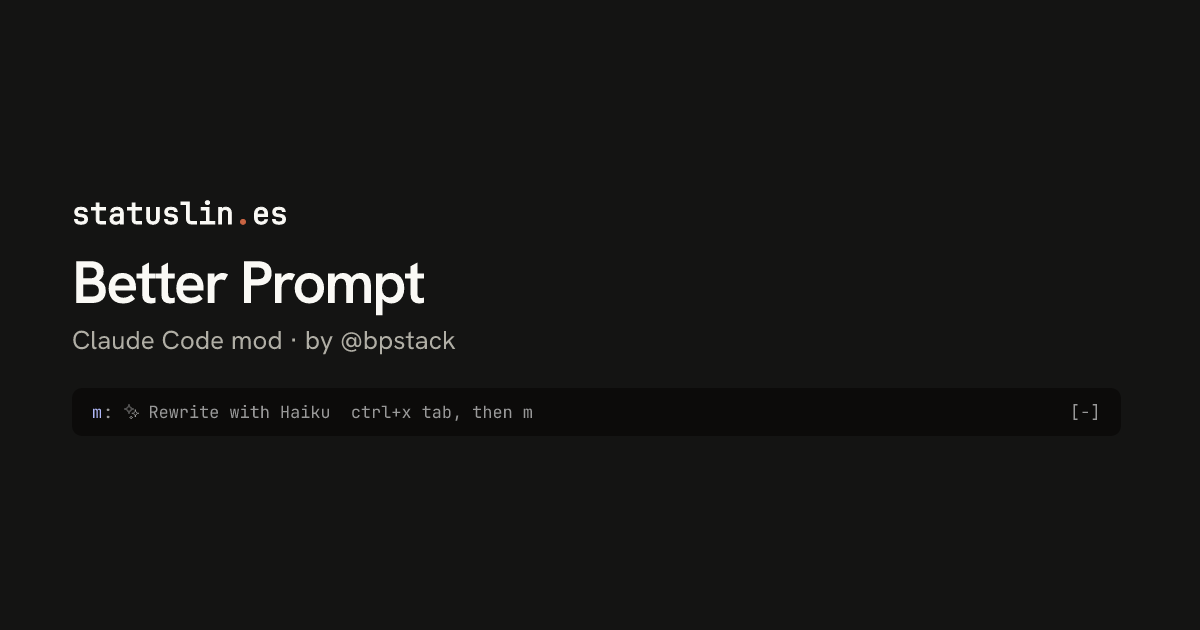
m: ✨ Rewrite with Haiku ctrl+x tab, then m [-]Claude Desktop

What it does
In the author's words
Haiku rewrites the draft in the prompt box, keeping its intent; you read it above the prompt and choose whether to use it.
- What you see
- A rewrite button, then Haiku's version above the prompt
- Works in
- Terminal and Claude Desktop
- Slash commands
- None
- Uses your tokens
- Sends your draft to Haiku when you ask for a rewrite
- Changes files
- Nothing
- Network access
- None
- Reviewed commit
- 15c15a8 on Oct 21, 2026
- Preview recorded with
- Claude Code 2.1.309
How it works
- Type a draft, then click Rewrite with Haiku or press ctrl+x tab and m
- Only your draft goes to Haiku, not the rest of the conversation
- Haiku's version shows above the prompt with the rewrite's token cost
- Press u to put it in the box, d to keep your draft, or c to cancel
Common questions
Can Claude Code rewrite my prompt before I send it?
With this mod, yes. Type a draft, press ctrl+x tab then m (or click the button), and Haiku's rewrite shows above the prompt. Press u to put it in the box in place of your draft, or d to keep what you typed. It never sends the prompt for you.
Does rewriting a prompt save tokens?
No. Each rewrite is one more call to Haiku, and the mod shows what that call took as the rewrite cost. The rewritten prompt is about as long as your draft. The README says it can pay off when a vague prompt would otherwise cost a follow-up turn, but that is not measured.
When is a prompt rewrite not worth it?
The README says short, clear prompts gain nothing, and prompts that are mostly pasted logs, code or errors are a bad fit because Haiku may drop a detail where precision matters. It helps most with long, messy or dictated drafts.
Does Haiku see my whole conversation?
No. The README says Haiku sees your draft alone. It is told to keep every fact, path, number and doubt, to keep your language, and to add nothing you did not ask for.
Badge for your README
Own this listing? Add it to your README. The badge shows the install count as it grows.

[](https://statuslin.es/mods/better-prompt?utm_source=readme-badge)
Or show the preview card:
[](https://statuslin.es/mods/better-prompt?utm_source=readme-badge)